 Findbar
A real search bar for your Wix site
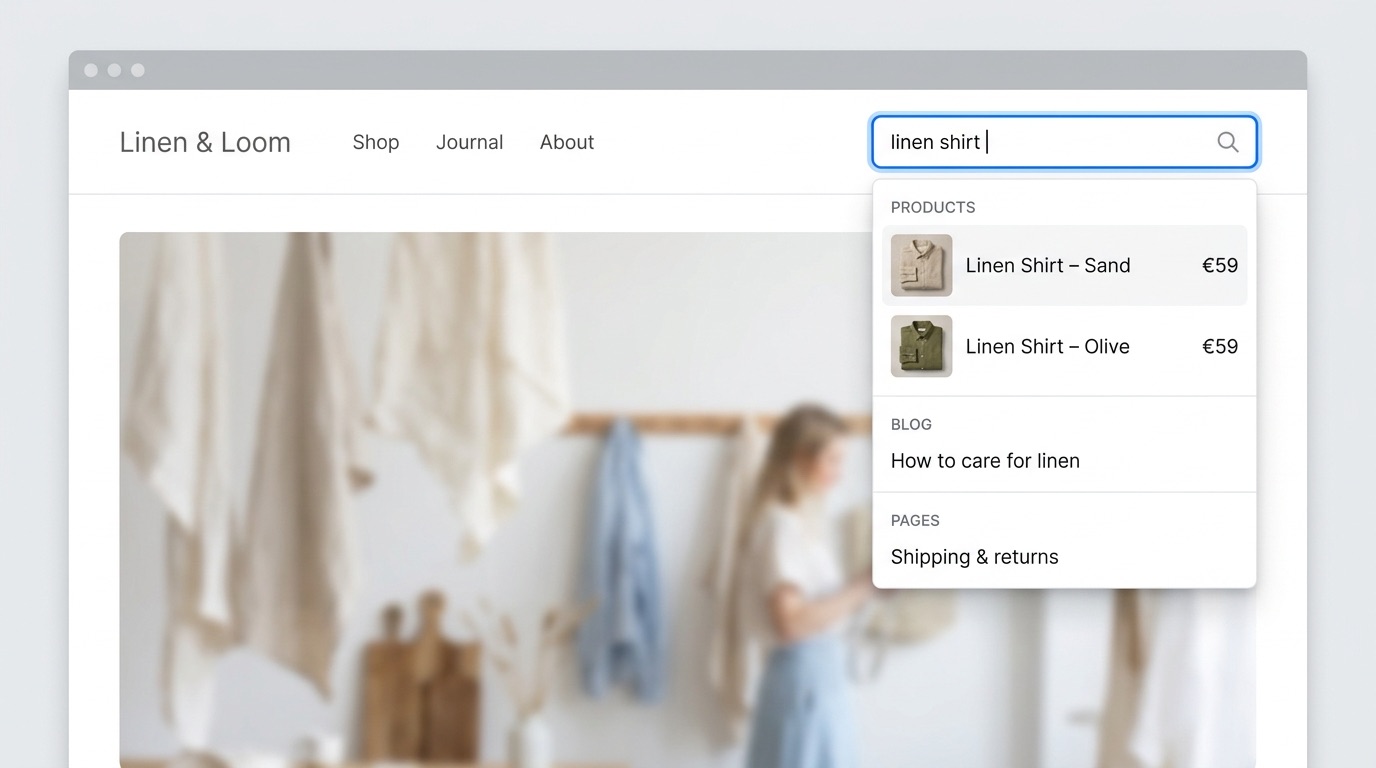
Not a button that opens a pop-up. An inline search bar with instant suggestions across your products, blog, pages and CMS items — and results that stay up to date within seconds.
Get early access — it's freeWorks with Wix Stores, Wix Blog and CMS · No coding
Sound familiar?
These are the most common complaints about site search on Wix — taken from hundreds of App Market reviews and Wix community threads.
It's not a search bar, it's a button.Visitors have to click, wait for a pop-up, then type.
Deleted products still show up.…and new ones don't, so visitors hit dead ends.
I can't customize anything.No inline dropdown, no styling, no control over the results page.
I only want to search the shop.No way to limit a search bar to one section of the site.
Search that just works
Findbar indexes your site's public content and keeps it in sync, so visitors find what they're looking for on the first try.
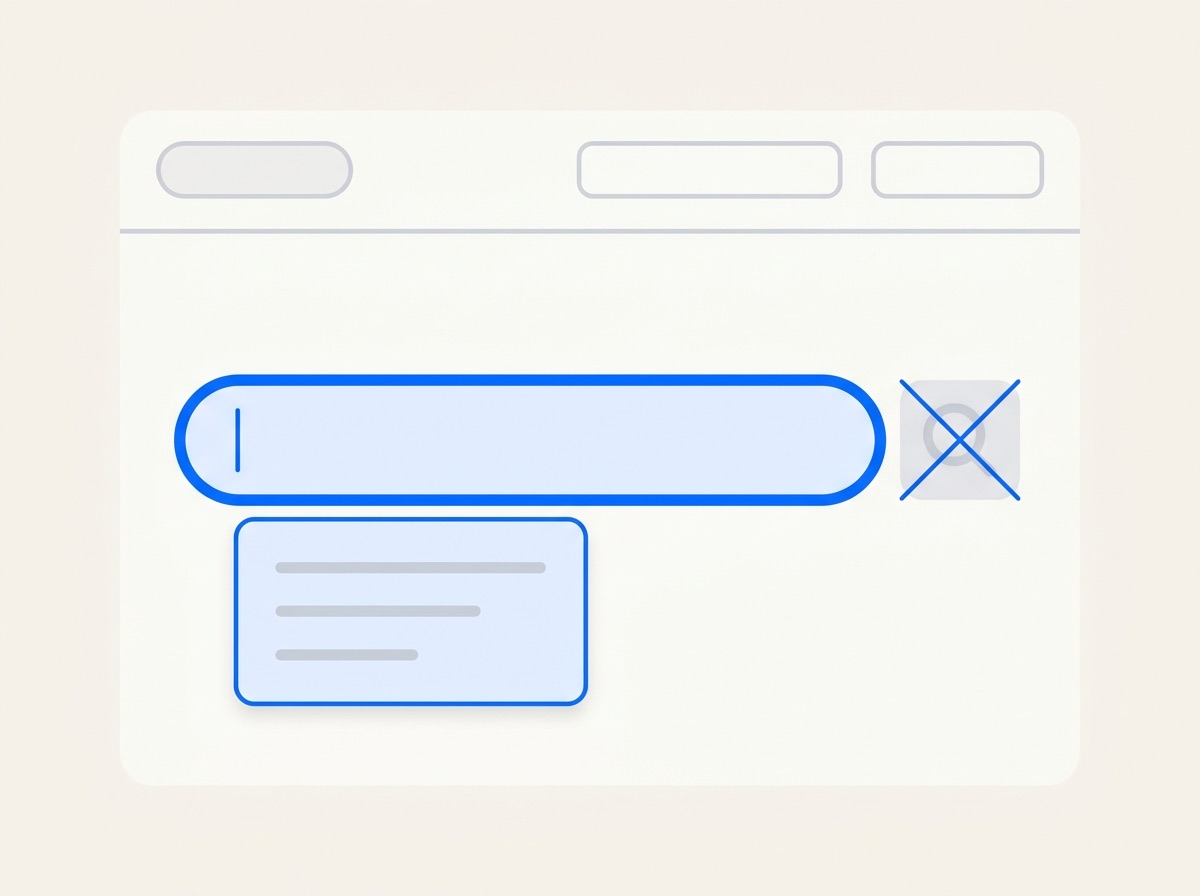
An inline bar, not a button
Place it in your header. Suggestions appear as visitors type, grouped into products, posts and pages, with images and prices.
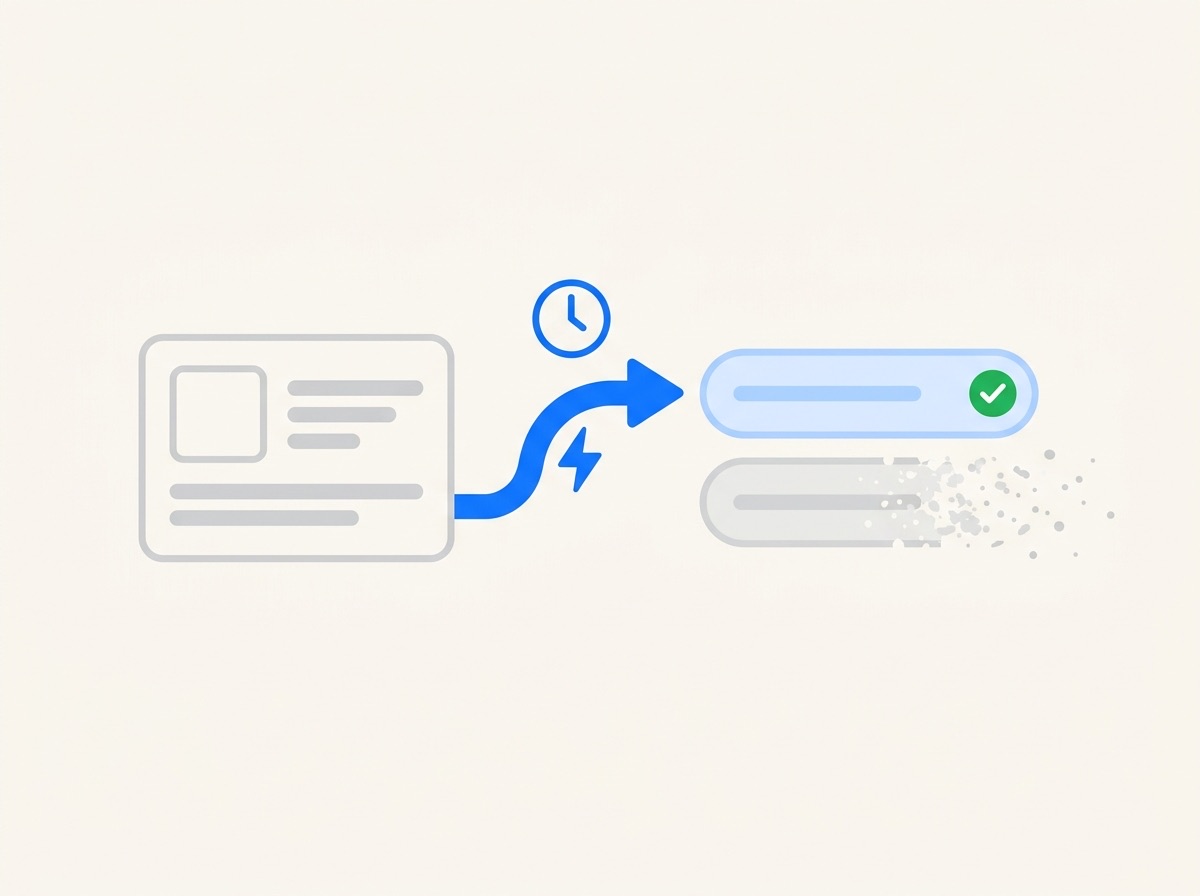
Always up to date
Add, edit or delete a product and search reflects it within a minute. A nightly check removes anything that slipped through.
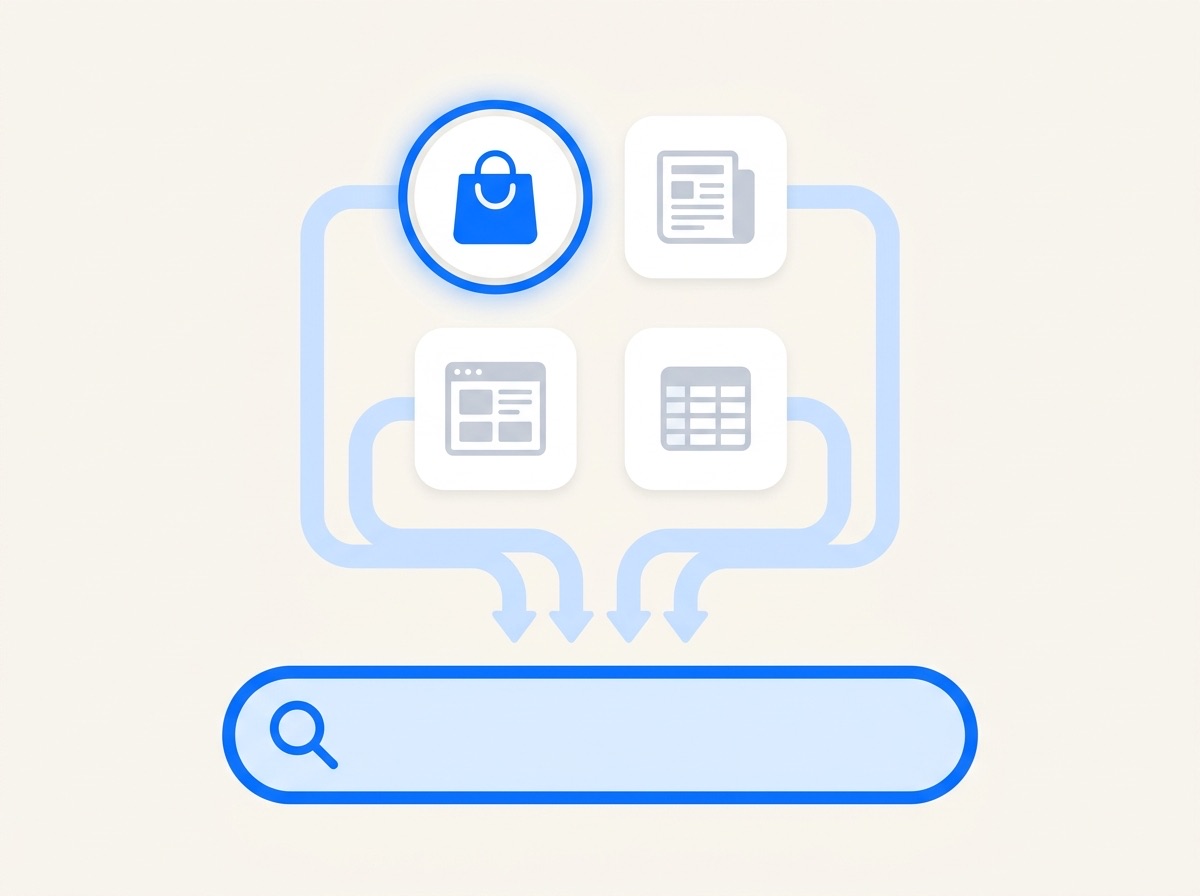
Everything — or one section
Search products, blog posts, pages and the CMS collections you pick. Or add a bar that searches only your shop or only your blog.
Live in five minutes
No code, no copying scripts.
Install from your link
Beta members get a private install link for their Wix site.
Drop the bar in your header
Drag it into place in the Wix Editor or Wix Studio and match your colors.
Done
Findbar indexes your content automatically and keeps it fresh from then on.
Simple pricing
Everything is free during the beta. After it, small sites stay free.
Free
- Sites with up to 100 items
- Products and pages
- Inline bar and results page
Pro
- Any size site
- + Blog posts and CMS collections
- Section-only search bars
- Search insights: top and zero-result searches
- No “Powered by” badge
Final Pro price is set after the beta — beta members help decide it. Nothing is charged automatically.
Join the free beta
We're inviting a small group of Wix site owners. You get Pro free during the beta; we get your honest feedback.
You're on the list!
We'll email your install link to soon. Questions? hello@findbar.app
Questions
Does it work with Wix Studio and the Wix Editor?
Yes — the search bar is a regular site widget for both. The beta is exactly where we check every setup, so tell us if anything looks off.
Will members-only or private pages show up in search?
No. Findbar only indexes public content: visible products, published posts, CMS collections that anyone can view, and public pages. Members-only and password-protected content is never indexed.
Do I need to remove Wix's own search?
Yes, remove the old search bar so your site doesn't show two. It takes one click in the editor.
What happens when the beta ends?
You choose. Sites with up to 100 items stay on the free plan; larger sites can pick Pro. Nothing is charged without you choosing a plan in Wix.
What data do you store?
A search index of your site's public content, your settings, and anonymous search terms (no IP addresses or visitor IDs) for the insights report. Uninstalling the app deletes all of it.